换一换
换一换 


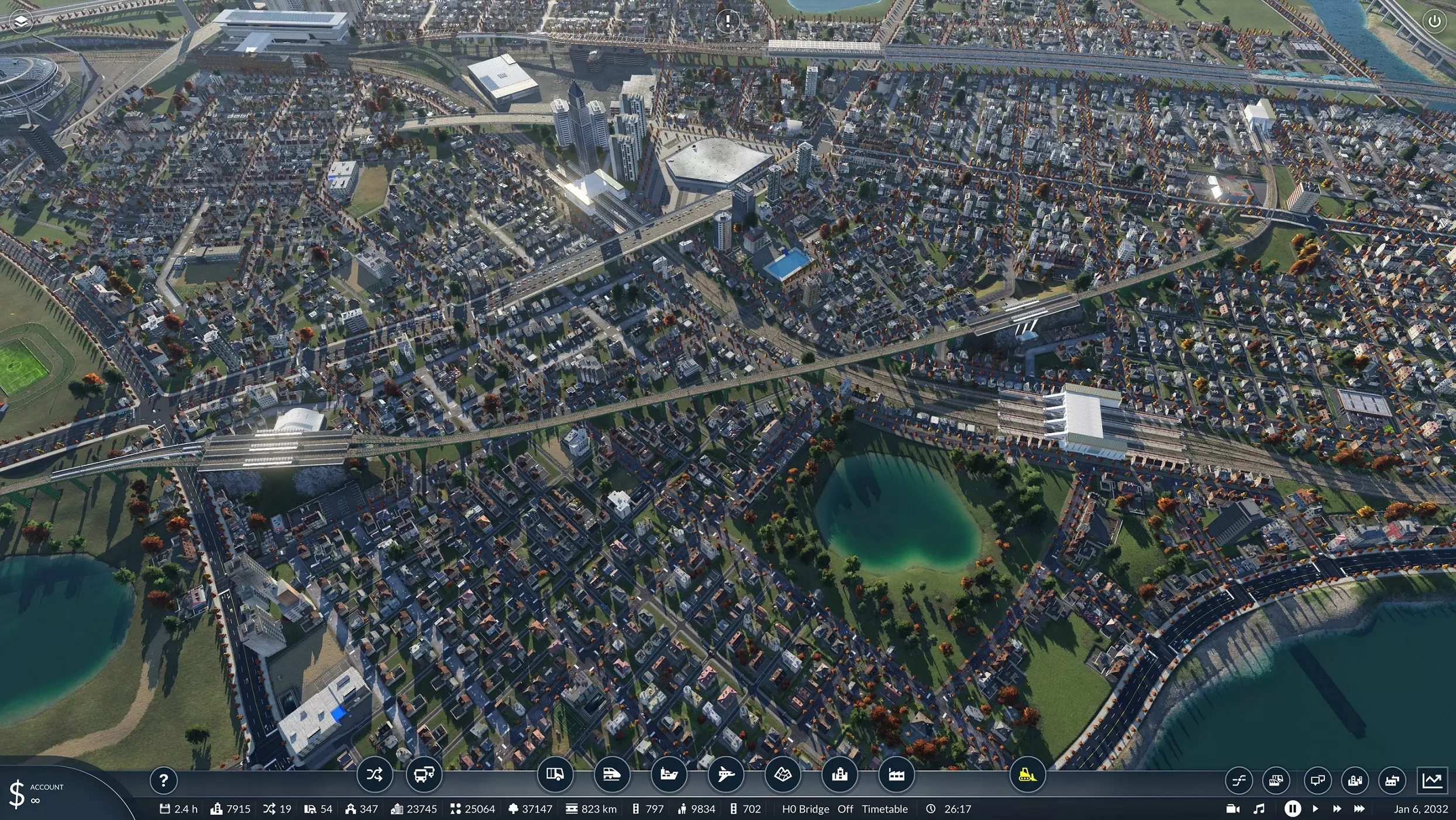
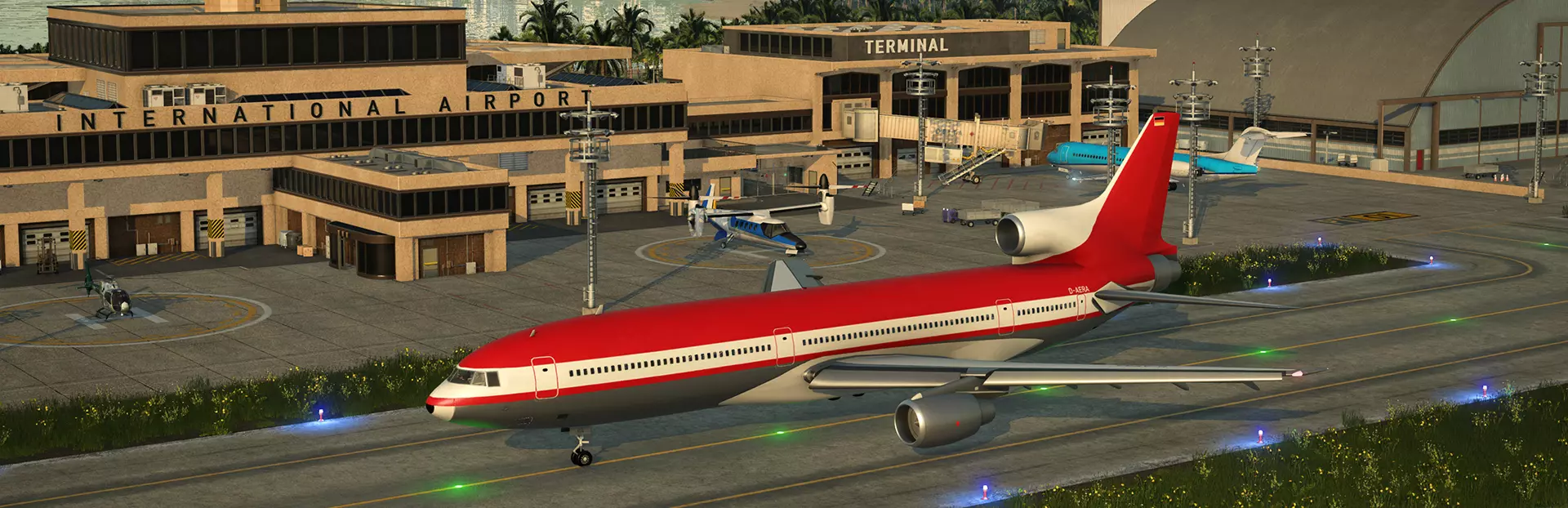
How to simulate "out of bounds" lines and connections through the use of magnets. Introduction Transport Fever 2 has no out-of-bounds traffic like some similar sandbox games like Cities Skylines have it. That being said, through the use of mods and out-of-the-way lines and stations, you can simulate and tweak out-of-bounds traffic, to simulate interregional/intercity/national/international traffic. This entails the use of stations and magnet or assets that generate traffic in an empty space on the very edges of the map. https://steamcommunity.com/sharedfiles/filedetails/?id=2859046892 Setting up the connection All vehicular traffic can be simulated. Specifics will depend on different variables like how you want to simulate the traffic, vehicles used, etc. However, the basic setup is the same, and involves the use of a station on the edges if the map, with access to passenger or cargo generating assets. Best to use magnets, as they are small and can easily be customized and hidden away. https://steamcommunity.com/sharedfiles/filedetails/?id=2249726960 https://steamcommunity.com/sharedfiles/filedetails/?id=1978047222 https://steamcommunity.com/sharedfiles/filedetails/?id=2250962410 You should start by building the station and a road that gives access to it: https://steamcommunity.com/sharedfiles/filedetails/?id=2859047079 Proceed by building up a short stretch of road and then placing up magnets or another traffic generating asset or industry nearby. https://steamcommunity.com/sharedfiles/filedetails/?id=2859047164 https://steamcommunity.com/sharedfiles/filedetails/?id=2859047186 Stations and airports can be quite bulky, but remember you can place around half of it out-of-bounds. For maps with lots of water, you can set up ferry terminals and airports in a far away corner of the map where nothing other than water would exist otherwise, like this airport in the bottom middle part of the screenshot: https://steamcommunity.com/sharedfiles/filedetails/?id=2859046933 For real-life recreations, I would try to set up stations generating the vehicles from and to the intended direction of travel - i.e. for this Japanese-themed map, the middle airport represents international traffic from China, towards Kansai airport, where approaches usually are from the south, so the placement of this airport makes sense. For road and rail networks, if required, you can build the roads and rails outside of the map, as long as you connect them with two points that are within the map boundaries. This can allow for better connections for towns and stations that are located right at the edges of the map. https://steamcommunity.com/sharedfiles/filedetails/?id=2859047103 For example, in the screenshot below, the main city station in this screenshot, Utsunomiya Station on the Tohoku Shinkansen line, is too close to the edge to set up an aesthetically pleasing "direct" connection, plus, I wanted to set up express trains that pass at speed here. Therefore, a longer and smoother path is desired. https://steamcommunity.com/sharedfiles/filedetails/?id=2859046892 For rails, you can use the AutoSig mod to automatically build signals outside of the map boundaries: https://steamcommunity.com/sharedfiles/filedetails/?id=2138210967 This transit terminal should then be connected to other places on the map with lines, as usual. Magnets The demand to be generated by magnets is entirely up to you. You can setup a low demand to simulate sparsely used lines - or for performance reasons - or a high demand, to simulate connections with large other metropolitan areas, states or countries out of bounds. For passenger traffic, I do recommend using commercial or industrial demand, as maps often tend to have surplus residential demand. Note that if you want to simulate private car traffic as well, that you need assets that have a direct street connection to it, otherwise, they will only generate pedestrian traffic that will only be interested in using your own transport lines. The passenger magnet mentioned does have the option to include a direct street connection, but the vast majority of assets with passenger demand do not. You can see in the following screenshots the same magnet, one with street entrance, another without. The one without will only generate traffic once a line is setup to the train station nearby. https://steamcommunity.com/sharedfiles/filedetails/?id=2859416303 https://steamcommunity.com/sharedfiles/filedetails/?id=2859416330 You can name the magnets and stations with names that identify their intended destination. For example, for the magnets servicing the high speed line in Utsunomiya, the magnets were called "Sendai" and "Morioka" - the larger and main centers serviced by the high speed line out of bounds. While this example uses a real life counterpart for easier identification, you can certainly use whatever city, region, or identifier name of choice - i.e. domestic, international, out of bounds, etc. These magnets will appear in the destination list, so it is a good idea to name them, instead of leaving them with their default name - for example, "no name" in the case of the passenger magnets. https://steamcommunity.com/sharedfiles/filedetails/?id=2859416177 Conclusion You can set up as many connections you desire. Keep in mind, however, that much demand and many lines will do negatively impact your PC performance. Best to keep it to a few select lines. If possible and required, you can spruce up the area around the station to hide it out of view. For example, with trees or other assets. https://steamcommunity.com/sharedfiles/filedetails/?id=2859048027 I hope the guide was useful. Comments and criticism welcome. Work on the guide still in progress and should be finished up within a week of release.
创建/模拟【边界外】线路与连接(开发中)

导读
本文是《狂热运输2》的玩法教程,介绍了借助模组、磁铁等资产,在地图边缘设置站点与交通生成资产,模拟跨区域、跨国等“边界外”线路与连接的方法,涵盖基础搭建步骤、不同交通类型设置及磁铁的使用技巧等。


评论
共0条评论

风景 2023 年《神力科莎》十大开放世界/自由漫游城市地图带交通+安装指南
https://www.youtube.com/watch?v=k3PAG9YzkHg&list=LL&index=5&t=69s [MAP LINKS] 0:…
2026-06-08 12:340赞 · 0评论
几个实用且能改善游戏体验的模组推荐
转自B站玩家:李开咕同学
2025-02-06 08:494赞 · 0评论
《模拟火车世界》狂热运输2怎么玩?虚拟线路POV第一视角驾驶体验分享
《模拟火车世界》狂热运输2虚拟线路POV第一视角体验!纯属娱乐,切勿联系现实。沉浸式驾驶模拟,感受虚拟铁路的独特魅力与操作乐趣。
2026-06-16 13:120赞 · 0评论
UnicornPoacher的《运输狂热2》指南
欢迎阅读我的《狂热运输2》进阶策略指南。本指南将聚焦运输原理、规划、分析、设计及技巧,旨在帮助你实现利润最大化、提升游戏真实感并融入美学设计。 本指南默认你已具…
2026-02-20 10:000赞 · 0评论
内容无法识别,已删除。
本文详细讲解轨道、信号、站台、线路等火车基本知识 轨道与信号调度知识 1. 玩过战役的人应该知道一个技巧,在一条轨道上建立一个小分支,用来停车,这样就可以使一条…
2026-02-18 19:000赞 · 0评论
单机游戏 【狂热运输2新手教程#1】工厂不产货?一篇搞懂线路搭建逻辑!
【狂热运输2新手教程】完整版的分章教程#1(共3期),包含了最重要的供应链核心逻辑,以及收支讲解! 需要观看完整版的小伙伴可从此链接跳转:https://www…
2026-02-12 11:170赞 · 0评论
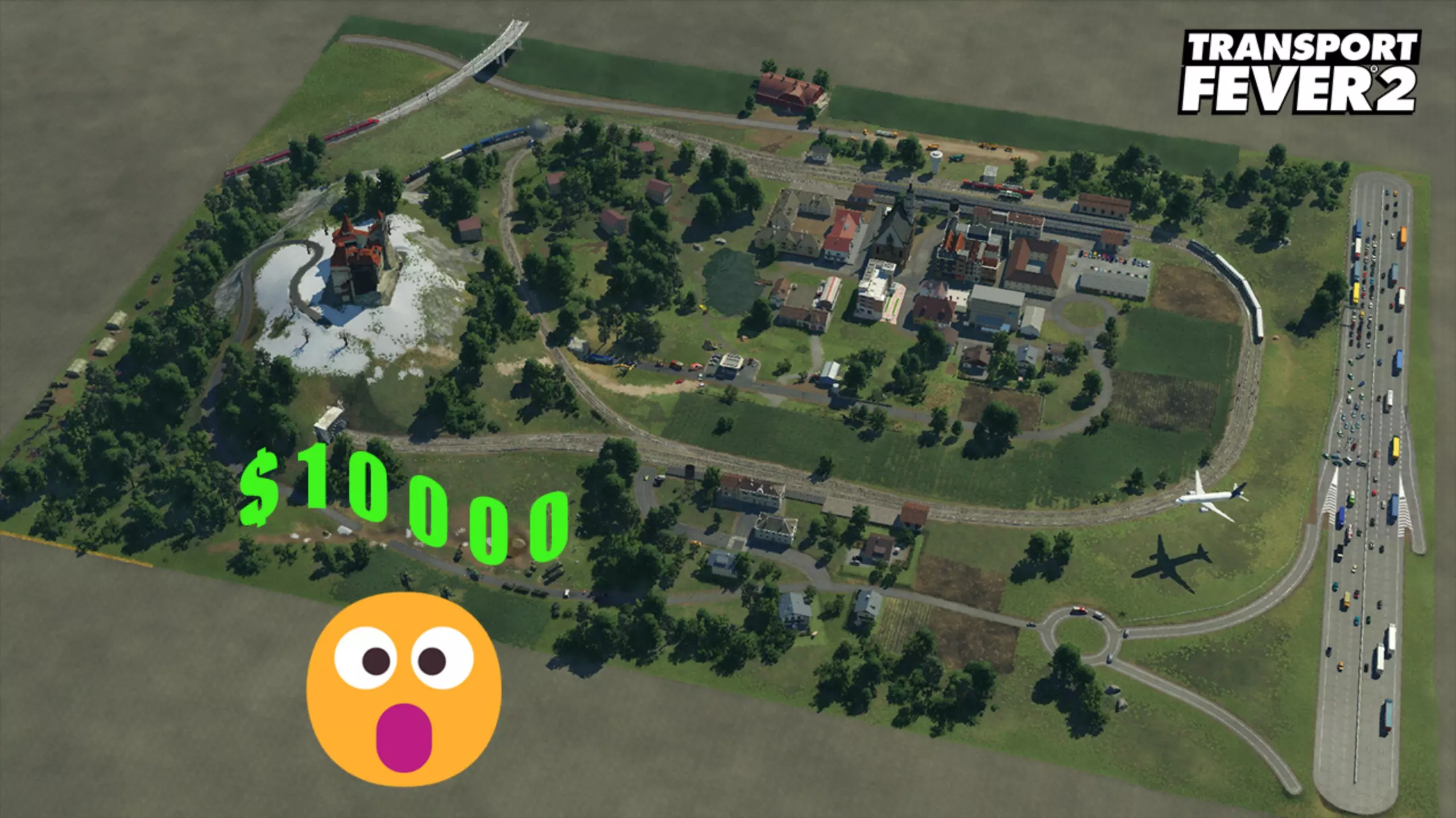
火车 我用狂热运输2建造了一个价值超1万美元的沙盘
-
2025-09-22 11:250赞 · 0评论
《模拟火车世界》/《狂热运输2》铁路怎么造?平均站距500米短吗?线路规划与运输效率攻略
《模拟火车世界》与《狂热运输2》玩家看过来!我造了一条铁路,但是平均站距只有500米,是不是太短了?快啊,很快啊,这样设置会不会影响运输效率和游戏体验?一起来探…
2026-06-08 05:520赞 · 0评论
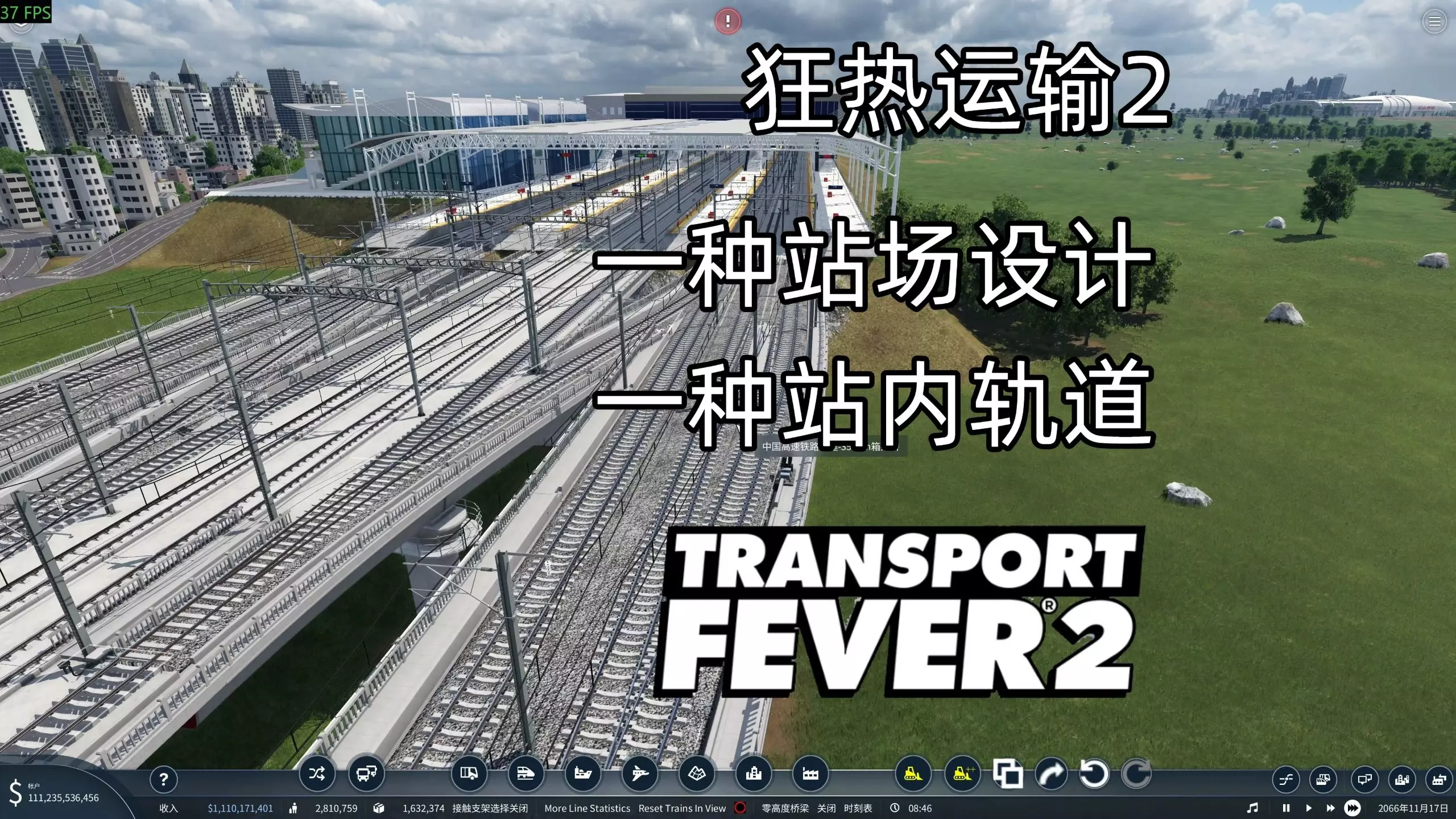
火车 【狂热运输2】一种站场设计,一种站内轨道分享(来自上期视频的切片+一些补充,与时刻表无关)
做时刻表视频的时候想到了点题外话,单独切出来做个短视频
2026-05-01 03:340赞 · 0评论
《狂热运输2》最佳模组
《狂热运输2》各类最佳模组推荐 简介 以下是我认为的最佳模组列表。 车辆类最佳模组:汽车、火车、轮船 DB双层客车 S-Bahn BR 423/422/430 …
2026-02-20 01:000赞 · 0评论

暂无更多
最新更新
- 《狂热运输3》精选模组计划公布 — 我们自豪地推出独一无二的【精选模组计划】!玩家们将能在首日就体验到丰富多样的高质量模组,这些模组将带来流畅且可靠的游戏体验。
- 如何为从Steam下载的游戏安装非Steam模组 — 你可能已经问过自己“如何为从Steam下载的游戏安装非Steam模组?”这个问题。本指南将回答这个问题 安装模组 要为从Steam下载的游戏安装非Steam模组…
- 打盹了 — 如何制造噪音 这是一个颇具迷惑性的任务,其完成方式并不明显。完成该任务的方法是建造【公交站、铁路、车站等设施】。使用推土机也能达成目标,而且成本更低(有些岩石推…
- 自动建造控制指南 — 对于喜欢专注于游戏规划逻辑和景观方面的玩家来说,频繁处理游戏中的AI自动建造可能会相当烦人。道路和建筑会自动建造在玩家并未规划的位置。在游戏中控制自动建造并不难…
- 功率和扭矩 — Часто просматривая видео по прохождению игры Transport Fever а после и Transport…
- 博物馆路线成就指南 — 如何解锁Museum Line成就 解锁Museum Line成就需要你在一条线路上拥有全时间线的所有公路客运车辆(公交车)。 因此,要获得此成就,你需要从18…
- UnicornPoacher的《运输狂热2》指南 — 欢迎阅读我的《狂热运输2》进阶策略指南。本指南将聚焦运输原理、规划、分析、设计及技巧,旨在帮助你实现利润最大化、提升游戏真实感并融入美学设计。 本指南默认你已具…
- 全任务/时代/勋章完整注释指南 — 我完成了所有任务,全程没有说话,但大家似乎很喜欢。不过很多人一直希望能听到我的声音!不是理性的声音啦!而是希望我能增加解说来提供进一步的帮助。所以,为了那些提出…
- 载具列表 - 亚洲【开发中】 — 基于游戏内信息,按出现日期排序的所有可购买载具及其属性的完整列表。 基本信息 关于本指南的说明:幸运的是,与《运输狂热》相比,《运输狂热2》的游戏文件结构没有太…
- 《狂热运输2》入门指南 — 这是我刚开始玩《军团要塞2》时希望能有的指南。当时有很多不错的信息,但没有一个地方能集中告诉我所有需要知道的内容,以便有效地运用游戏机制。 本指南涵盖了《军团要…