换一换
换一换 


A short description of each of my recommended mods. The collection of recommended mods can be found here: https://steamcommunity.com/sharedfiles/filedetails/?id=3617102779 "Must Have" mods: Harmony:Mod dependency, other mods need it in order to work Move It:The best mod of Cities Skylines! - Move buildings, trees, nodes, props - Copy-paste anything - Move anything up & down - Rotate anything - Delete multi items at once - Copy-paste multi items at once And more... Find It! 2 :A search engine for buildings, props, trees, roads, parks, decals, fences. You can search by name, type, size, creator name, level, DLC and more. TM:PE:Traffic management. - Add/remove stop signs, traffic lights, yield signs, crosswalks. - Set speed limits. - Restrict right / left turns. - Restrict roadside parking. - Restrict certain types of vehicles. "Parking AI": makes cars look for a parking space instead of disappearing when they reach their destination. "Disable vehicle despawning": if its ON, vehicles will not disappear when stuck in traffic, so the traffic simulation is much harder. Network Anarchy:Build roads, fences, railway tracks, paths, quays and other networks however you want. Avoid the many game restrictions. 81 Tiles 2:- Makes all 81 tiles available to build on. - Enables electricity & water flow through roads (so water pipes and electricity lines are not required). Loading Screen Mod Revisited:- Reduces your RAM usage by sharing textures between assets. - Reports what dependencies are missing, what assets failed to load and more. Ploppable RICO Revisited:- Plop RICO (Residential / Commercial / Office / Industrial) buildings that are larger than 4X4. - Convert ploppable buildings (for example unique buildings) into RICO buildings. - Set the number of households for each Residential building. - Set the number of employees for each Commercial, Office or Industrial building. - You can set it that buildings will not be abandoned / destroyed even if they are in the wrong zone or without zoning. Picker:Pick anything in-game and duplicate it Extra Landscaping Tools:- Adds a brush tool for terraforming, placing trees or props - You can add / remove ground resources (oil / ore / fertile land) in-game - Lets you add water sources in-game Surface Painter:Paint the ground with pavement, field, ruin or gravel textures Extremely helpful mods: FPS Booster:(requires the "Patch Loader Mod") Increases your FPS by making the simulation more efficient. Realistic Population:- Makes the number of households per Residential building much more realistic. - Makes the number of employees per Office/commercial building much more realistic. Lifecycle Rebalance Revisited:Makes the lifecycle of cims more realistic and randomized. Avoid "Death Waves". City Vitals Watch:See all the important metrics in one place: Water availability, Electricity availability, Sewage, Unemployment, Crime Rate, Healthcare, Deathcare, Garbage processing, Education Node Controller Renewal:Node manipulation. Best is to watch a YouTube tutorial. Intersection Marking Tool:Add custom lines, crosswalks, fillers, props, fences to intersections and roads. Best is to watch a YouTube tutorial. Network Multitool:Adds many useful tools for manipulating networks. Best is to watch a YouTube tutorial. Forest Brush Revisited:Select a few trees and bushes and "paint" them over large areas. UnifiedUI (UUI) 2.2.1 - Continued [BETA]:Groups the access to many mods in one place. Hide It!:Allows you to hide many objects and sounds you don't want to see or hear. For example: - Seagulls - Grass sprites - Chirper - Different sounds - Pollution - Ruining etc BOB, the Tree and Prop Replacer:Replace or hide props and trees that are inside buildings or parks. Especially useful for hiding or replacing the vanilla trees and bushes. Prop Control:- Place props anywhere (even inside buildings / roads) - Make props larger or smaller - Props snap to buildings - Raise / lower props Tree Control - Place trees anywhere (even inside buildings / roads) - Make trees larger or smaller - Raise / lower trees - Ability to snap trees to buildings ACME :Camera mod. Increases the Zoom-in and Zoom-out of the camera. Increase control over the camera. Play It!:- Change the game speed - Change the sun location (to view stuff better or when taking screenshots) - Change the time of day when the game is paused Render It!:Graphics mod. Make the game look much better by changing the graphics settings. Line Tool:Place trees or props in lines (straight or curved). Toggle It!:View / Hide different elements in-game: - Zoning - Ground elevation - Notifications - District names etc Yet Another Toolbar:Makes the main toolbar at the bottom easier to use Really helpful mods: Game AnarchyAdds a long list of "anarchy" options, best is to read its description. Building Control:When you place a building, you can: - Set the ground texture to: pavement / no texture / asset default - Set terrain flattening on / off - Set the placement mode to: Roadside / OnGround / PathSide / etc Bulldoze It!:Automatically deletes buildings that were abandoned or destroyed Advanced Building Level Control: Control the level of growable buildings. You can also control it by district. Customize It Extended:Change the values of ploppable buildings: Cost, maintenance, entertainment, employees, tourists, electricity, water, garbage, etc Repaint:Change the color of buildings in-game Precision Engineering:- Adds angle and distance measurements when building roads, train lines, pipes and power lines. - Display height of the road you are placing relative to ground level - Hold CTRL to enable snapping to angles (in 5 degree increments). - Hold ALT to enable snapping to guidelines. - Display height difference between start and end point of a road (when placing, holding SHIFT) Network Skins:Works for sections of roads, not the entire network: - Change the color of the road - Remove the road arrows - Remove road signs - Remove "road decorations" - Change the type of lights Building Spawn Points:Lets you change the spawn points of service vehicles (police, fire, ambulance, etc) and cargo trucks. Useful for large buildings such as: industrial buildings, large commercial buildings (malls, wallmart, costco, etc), fire stations, police, universities, hospitals, schools, unique buildings. Also useful if you want to place parks or buildings away from the road. Hide TMPE crosswalks (an add-on to "TMPE"):Hides the crosswalks when you use TMPE to delete crosswalks from an intersection Historical Districts:Set all buildings in a district to "Historical", so they will not change when the level changes. "Nice To Have" mods: Garbage Bin Manager:Hides the garbage cans that appear in front of each building when there is garbage. Better Road Toolbar:Improves the "Roads" section of the toolbar. Better HealthCare Toolbar:Improves the "HealthCare " section of the toolbar. Better Education Toolbar:Improves the "Education " section of the toolbar. Vehicle Selector:Allows you to select the types of service and public transportation vehicles (buses, metro, fire, police, garbage, post, etc) Adaptive Networks (AN) V3.18 (STABLE):Adds some options to a few networks. Its a requirement of some networks in the Workshop. Broken Nodes Detector:Detects broken nodes, stuck citizens and a few other problems. Control It:Removes some communications with the Steam server, to reduce the load time and maybe improve privacy. Better Train Boarding:Cims will board trains, buses and metro in a more efficient way. Unlimited Outside Connections Revisited:As the name says - build unlimited number of outside connections. Extended Error Reporting:Gives more detailed error messages Special cases: Rebalanced Industries Revisited:Highly recommended if you own the "Industries" DLC. Roundabout Builder (UUI Fix): If you like building roundabouts, its definitely recommended. Real Time 2.6: Really changes the simulation in terms of traffic patterns, cims behavior and economics. Time passes much slower. Read its description carefully and try it out. Watch It!:Useful if you want to check how close you are to the game's limits: Buildings, Nodes, Citizen Units, Props, Trees, etc. Procedural Objects (Empty popup fix):For heavy detailers with patience, this mod lets you change the shape of buildings, props and decals. Create custom buildings, signs, bridges etc. You will need to watch tutorials and be ready to spend time learning how to use it. Unfortunately the custom buildings created with this mod are not functional, but you can use "RICO blocks" or "Service blocks" to make them functional. Tutorials: If you want to learn more there are YouTube tutorials for some of these mods. Search YouTube: <mod name> cities skylines Recommended Youtubers for tutorials: City Planner Plays YUMBL Akruas
推荐模组指南

2026-02-20 04:00:09
转载

导读
这是一份《城市:天际线》模组推荐指南,介绍了不同等级的实用模组,包含必备的Move It!、TM:PE等,还有提升体验、优化功能的各类模组,涵盖建筑编辑、交通管理、地图拓展等多方面,还给出了模组教程获取渠道。

评论
共0条评论

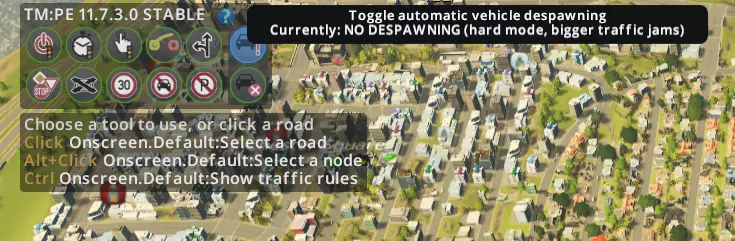
TM:PE - 交通流量调控管理
本指南介绍如何使用【交通管理:总统版】(TM:PE)和新的股票交易所进行刷钱操作。 步骤1:确保已禁用自动消失功能,并且有大量交通拥堵导致你的股票下跌。
2026-03-20 12:070赞 · 0评论
DOT道具目录
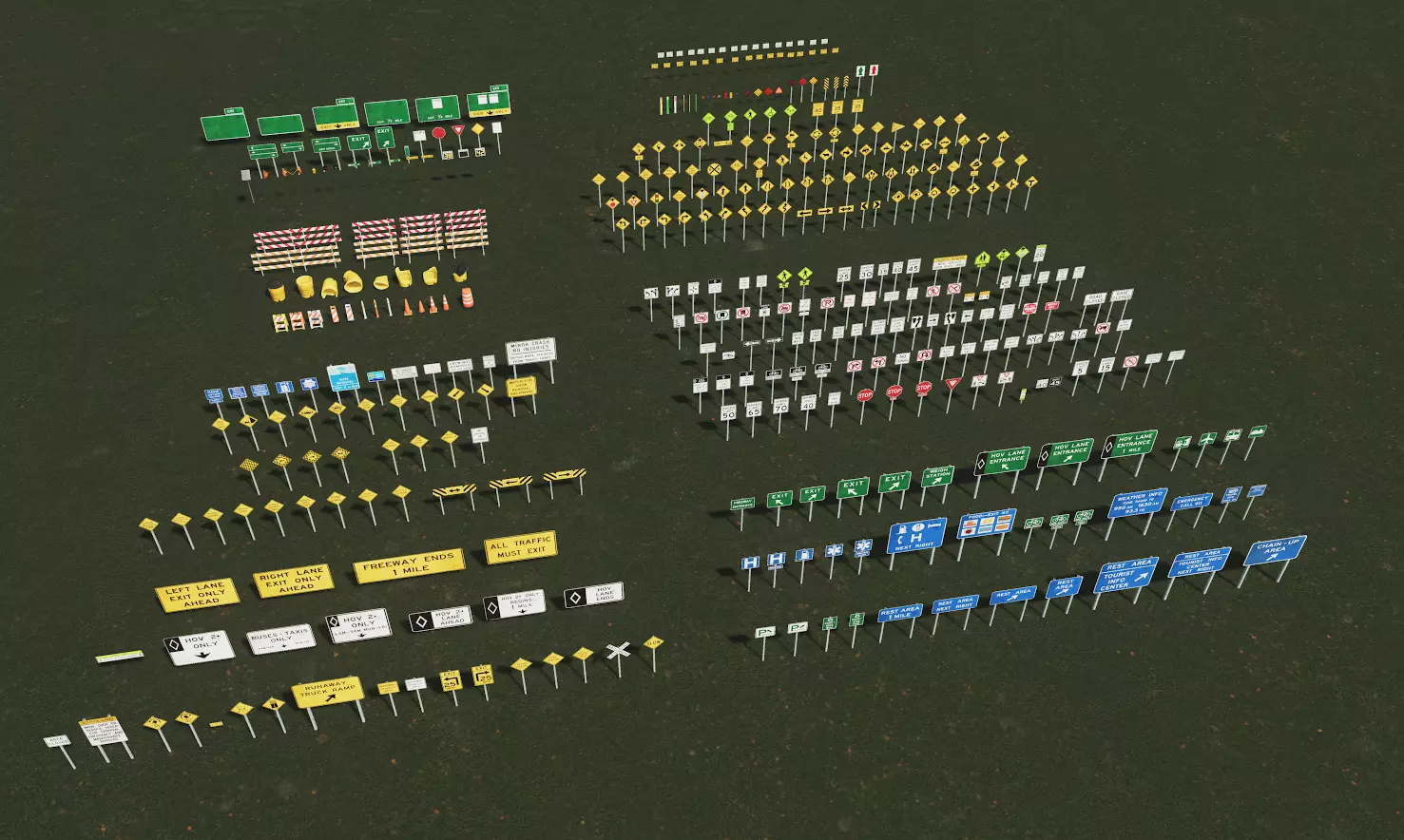
这是我的DOT收藏中所有物品的清单,一套完整的北美风格标志和道路设备道具。 信息/说明 DOT收藏包含400多个道具,几乎涵盖了美国所有常见的道路标志。其中还包…
2026-03-03 02:010赞 · 0评论
《Find It! 2》使用指南
This guide will be updated when new features are added. Also read the FAQ What i…
2026-03-03 02:010赞 · 0评论
暂无更多
最新更新
- 《城市:天际线》1.21.1-f9版本更新内容 — 《城市:天际线》修复公告 1.本次为大家带来一个非常小的更新,主要修复了过去一周收到的漏洞反馈。我们认为这将是最后一次更新! 2.此次更新非常轻微,不会影响模组…
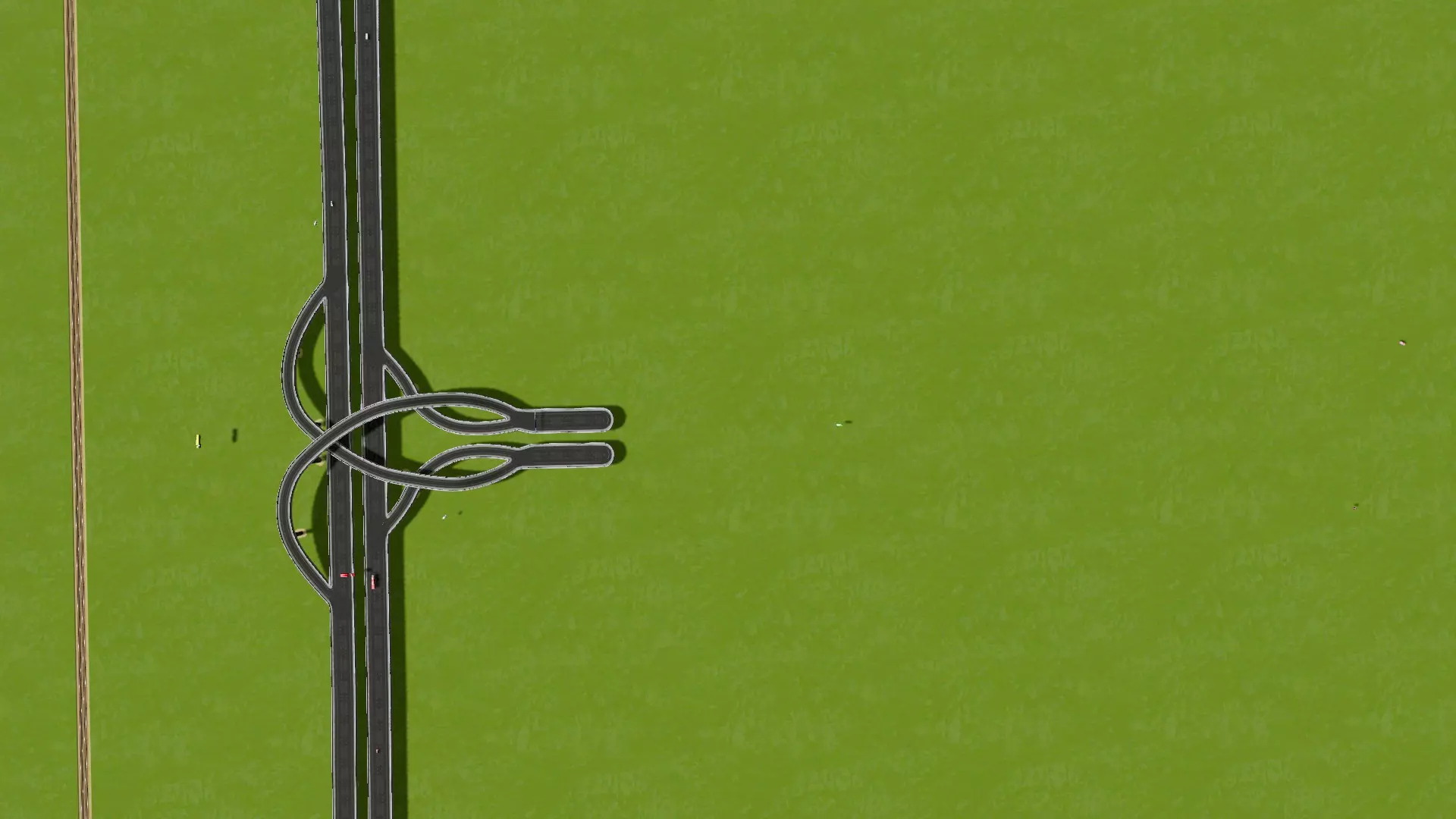
- 创建流畅的高速公路出口 - 指南 — 在本指南中,我将介绍如何建造顺畅的高速公路出口。内容将基于完全笔直且平坦的高速公路,为你展示一些基础知识。你可以运用这些基础知识,根据自己地图中的复杂情况进行调…
- 可解锁成就的模组 — 使用模组时解锁成就指南 如何使用模组和模组工具来启用成就 成就与模组 基础知识:使用任何模组后,将无法解锁成就。 即使在加载时禁用所有模组,若加载了曾使用过任何…
- 厌倦堵车了吗?解决方案就在这里 — 《城市:天际线》解决交通拥堵问题的顶级指南 优化道路网络 道路等级: 高速公路——城市的主要交通干线,用于区域间的快速通行。 大型道路(4-6车道)——城市内的…
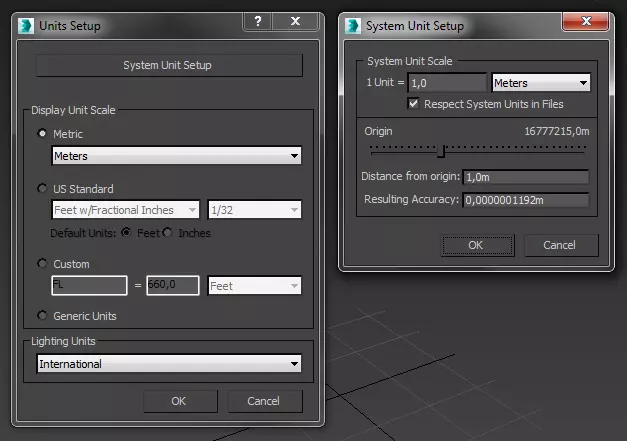
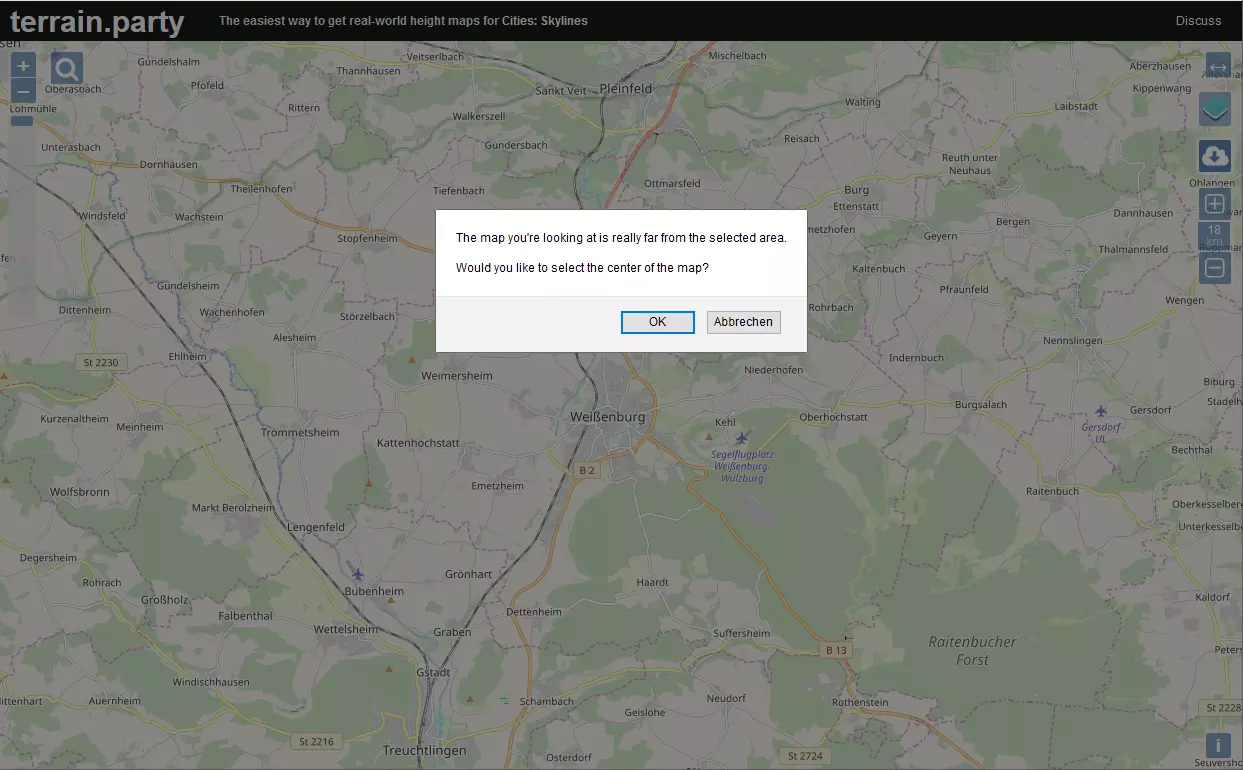
- 重建真实城市——综合指南 — 本指南面向希望不只是游玩游戏,而是用游戏重建自己“真实”城市的高级玩家。内容涵盖获取必要数据、准备地图、创建自定义建筑(资产)以及填充城市地图内容等主题。我还会…
- 有用的信息 — 在本指南中,我将为大家提供关于《城市:天际线》的一些实用信息,帮助大家更好地游玩这款属于自己的城市建造游戏。 如何将交通量降至最低 交通问题是这款游戏的最大难题…
- 韩国背景资产指南 KOR — 我正在收集所有以韩国为背景的资产。 更新记录 Ver 2.0 1. 对合集进行细分 - 按区域划分建筑、按用途划分车辆 2. 更换新的代表性图片 3. 按语言分…
- SketchUp资产创建指南 — 一种简单但有效的资产建模和纹理处理方法,全部在SketchUp中完成! 简介 你想创建自己的资产,但却发现3DSMax或Blender太难操作?本指南正是为你准…
- TM:PE - 交通流量调控管理 — 本指南介绍如何使用【交通管理:总统版】(TM:PE)和新的股票交易所进行刷钱操作。 步骤1:确保已禁用自动消失功能,并且有大量交通拥堵导致你的股票下跌。
- 《城市:天际线》最佳模组 — 移动它 这个模组允许选择、移动和对齐各种物体。 交通管理器:总统版(稳定版) 改善车道和停车空间的利用率。调整交叉路口、道路和铁轨!这是经过测试的稳定版本,功能…