换一换
换一换 


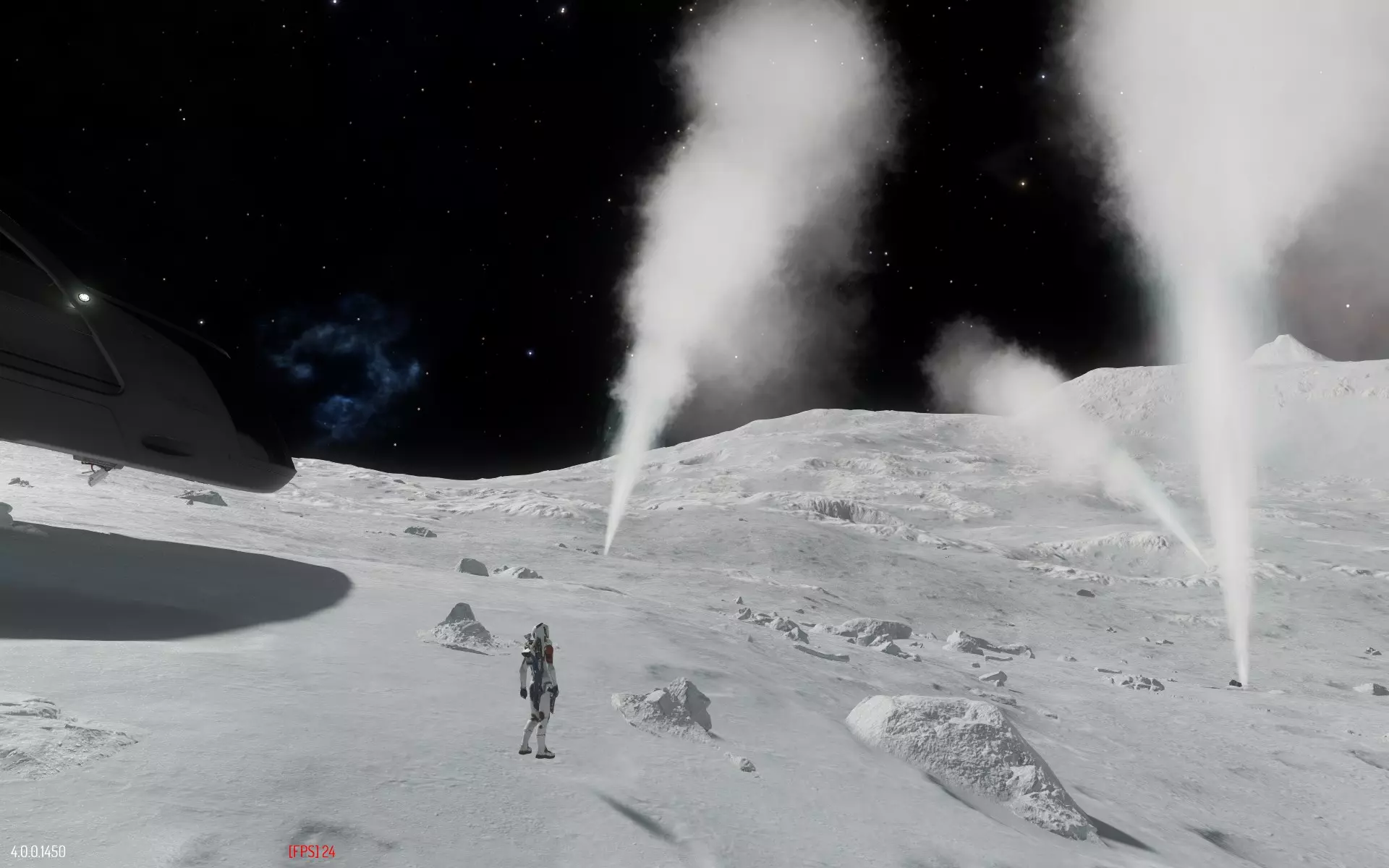
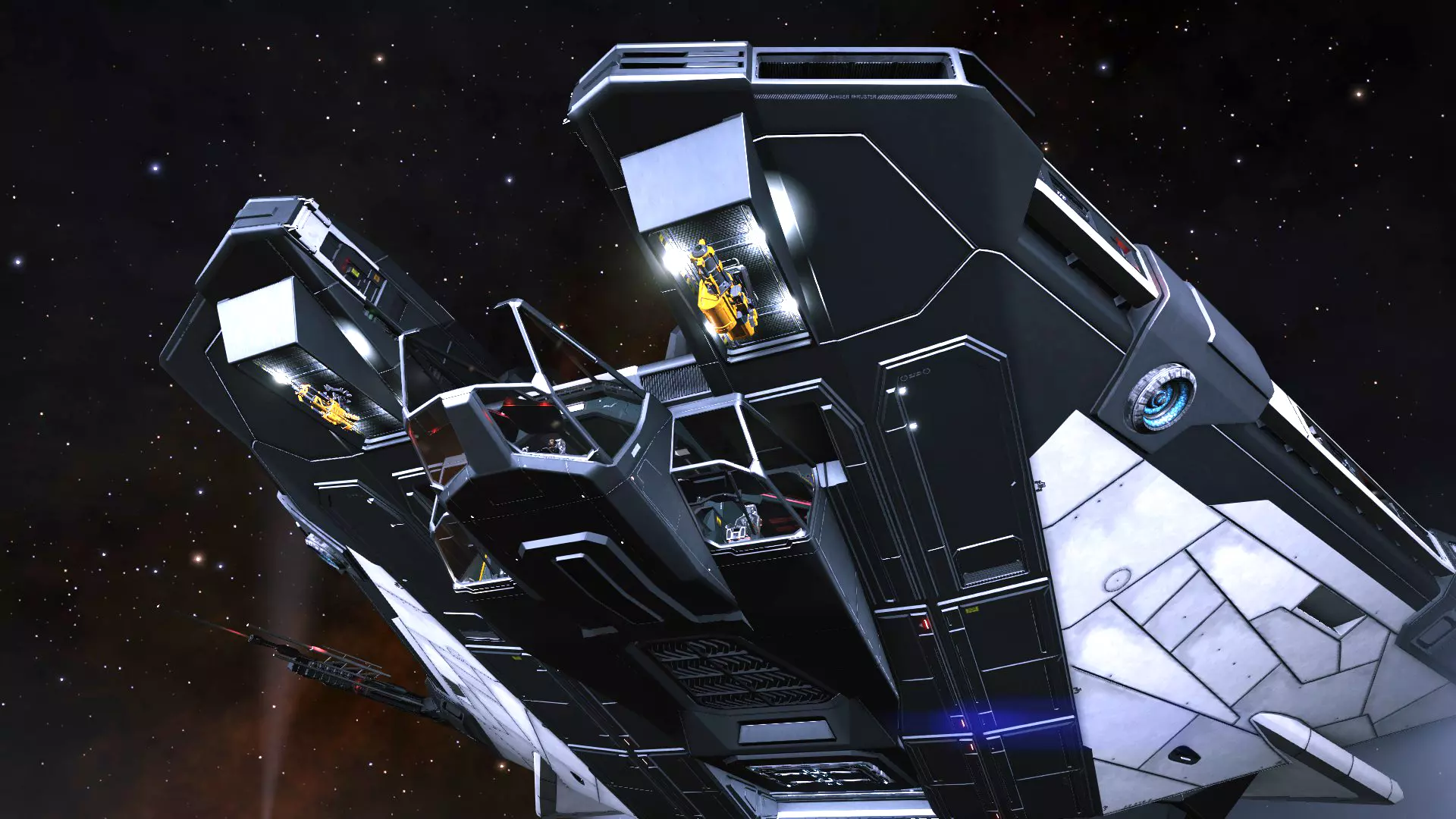
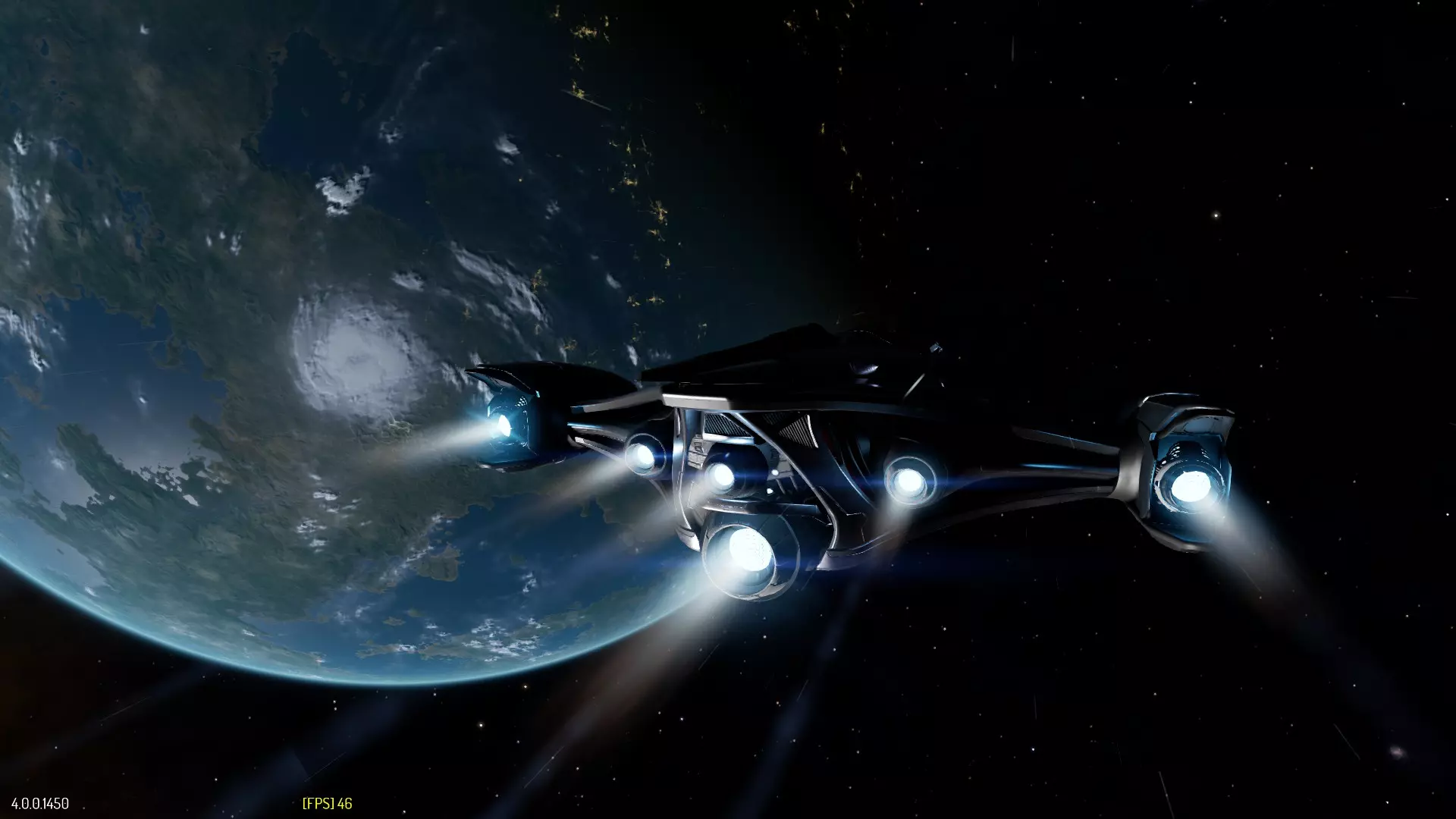
Finding optimal Elite Dangerous: Odyssey graphics settings can be a challenge on older PCs. This guide may help you to reach an acceptable performance and quality for Odyssey without hardware upgrades. Why This Guide? I have spent some time looking for graphics settings that would make Elite Dangerous: Odyssey run well enough on my elderly secondary PC. Please note my standards may be quite low compared to younger gamers as I have been gaming since Pac-Man and C64 graphics looked cool. I am going for a compromise of performance and quality. As Horizons DLC is running surprisingly well on the same machine, it was a shock to witness the performance drop when switching to ED:Odyssey Update 13. If you are having similar issues with an older PC, this guide may help you to find acceptable settings for ED: Odyssey and enjoy the actual game. A word of warning: It is currently impossible to get ED:Odyssey look and run as ED:Horizons does on older machines. Goal My system is pretty close to minimum requirements for ED:Odyssey with AMD Phenom(tm) II X6 1055T Processor (6 CPUs) / Nvidia GTX 780 / 16 GB RAM. I set a realistic goal to reach close to 30 fps on Full HD resolution while docking on stations, but the current reality is closer to 25 fps. Not very nice, but bearable. With lower texture settings 30 fps seems about reachable, but for me this is a compromise I am not willing to make. Fortunately I am not very interested in on-foot gameplay, since the worst performance problems seem to be in that content. I really do hope FDev continues to make more performance improvements for the game. The guide was written for ED:Odyssey Update 13 (4.0.0.1450) but will hopefully stay applicable for further updates. Settings ED:Odyssey Display SettingsThe first selection of settings is for Full HD resolution, which probably is the most common among commanders. The second set is tailored for my native resolution 1920x1200. It is more experimental as it involves both supersampling for lower resolution and upscaling into a borderless full screen window. The results are surprisingly good. Rendering on screen seems a bit soft but still quite pleasing to look at. I generally value performance over quality but there seems to be a huge gap between medium and high textures. Unfortunately texture choices also have a significant effect on performance. I urge you to at least try Supersampling 1.5 and lower resolutions upscaled to borderless window. It allows me to enable settings that improve the overall quality and upscale it to compensate the low resolution. Setting:1920x1080Supersampled 1440x900 (or 1280x800) upscaled to 1920x1200Resolution1920 x 10801440 x 900 (1280x800)FullscreenYour choiceBORDERLESSVertical SyncOFFOFFFrame Rate Limit60 HZ - an old habit that keeps the "cockpit" a little cooler.60 HZ ED:Odyssey Quality SettingsYou may want to preselect MID settings as a starting point to get Model Draw Distance and Field Of View to suitable levels. Setting:1920 x 1080Supersampled 1440x900 (or 1280x800) upscaled to 1920x1200Texture QualityHIGH (medium for performance)HIGHTexture Filter QualityTRILINEAR (Anisotropic X2 if you can afford it)ANISOTROPIC X2 (or TRILINEAR)Directional Shadow QualityMEDIUMMEDIUMSpot Shadow QualityLOWLOWBloomOFFOFF (MEDIUM)BlurOFF (or ON - I don't see significant difference.)ONAnti-AliasingFXAA (or SMAA)SMAA (FXAA)SupersamplingX1.01.25 (1.5)UpscalingNORMAL (You may have to adjust this one first to be able to set Supersampling to X1.0)AMD FIDELITYFX CASAmbient OcclusionOFF (LOW for better quality)LOWEnvironment QualityMEDIUMHIGHFX QualityMEDIUMMEDIUMParticle Effects QualityMEDIUMHIGH (MEDIUM for performance)Depth Of FieldMEDIUMMEDIUMMaterial QualityMEDIUMMEDIUMGalaxy Map QualityMEDIUMMEDIUMTerrain QualityMEDIUMHIGHTerrain LOD BlendingHIGHHIGHTerrain Material QualityMEDIUMHIGHTerrain Sampler QualityMEDIUMHIGHJet Cone QualityHIGHHIGHVolumetric Effects QualityMEDIUMHIGH (MEDIUM) Conclusion While I was able to keep Odyssey playable without hardware upgrades, I still would like to see lower graphics settings in Odyssey being more friendly towards the announced minimum system requirements. The reference hardware for this guide retired on October 2024 and thus the guide is now in it's final state. Appendix: Screenshots 1920 x 1080:
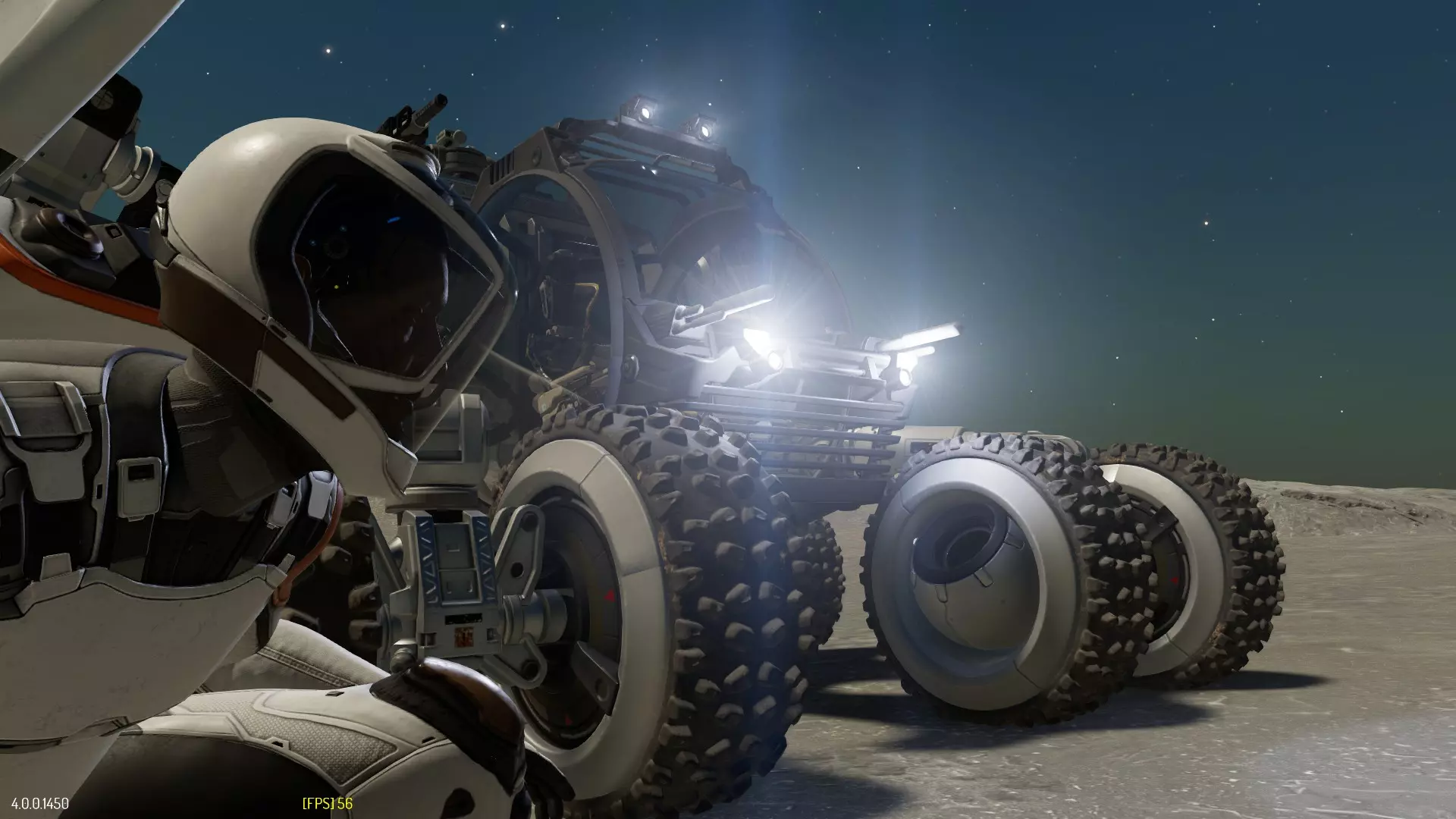
1440×900超采样放大至1920×1200
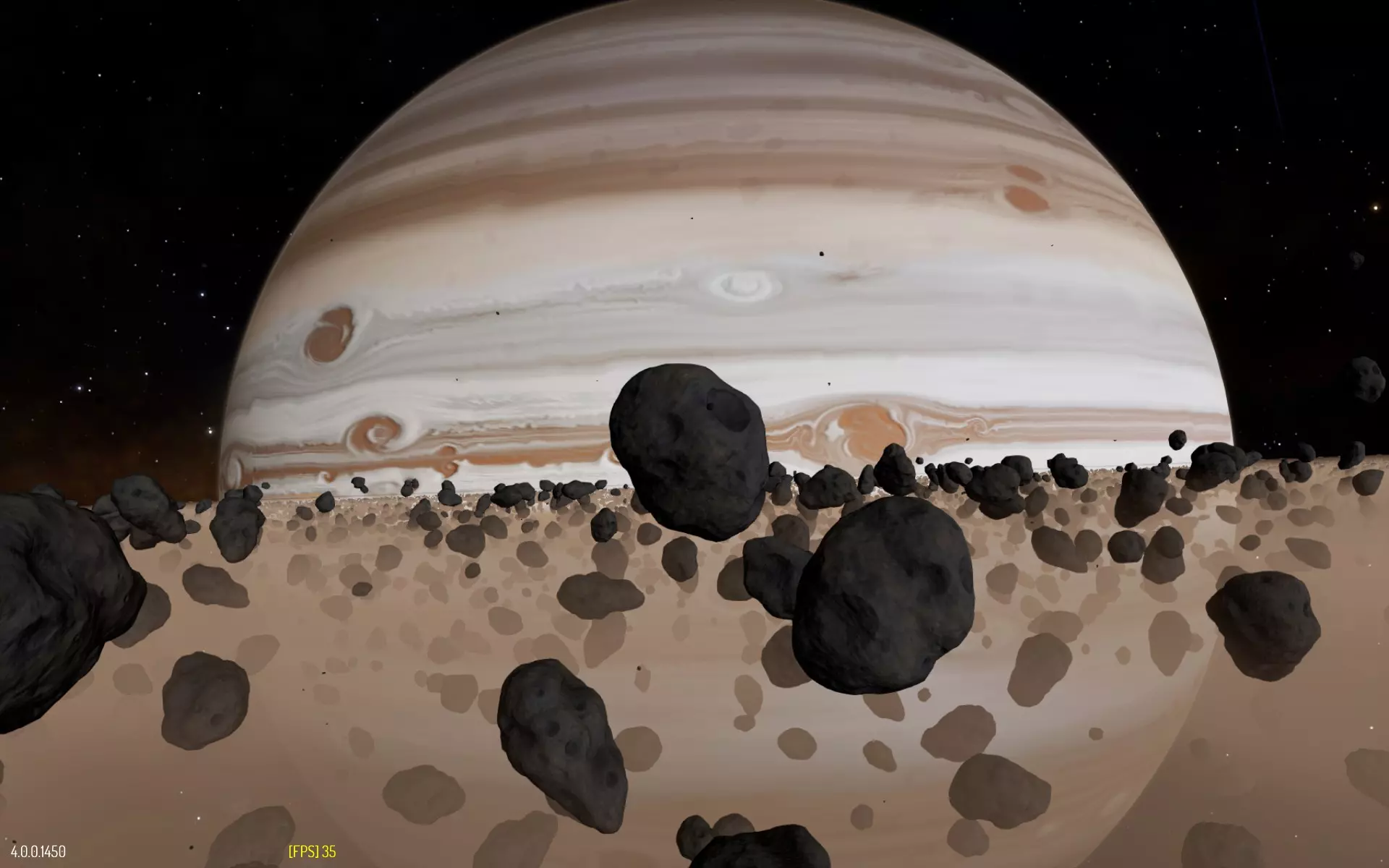
1280×800超采样后放大至1920×1200